PAC Code: Keep Your Number When Switching
Everything you need to know about PAC codes. Learn how to get your PAC code, keep your phone number when switching networks, and complete the transfer process quickly and easily.
Disclaimer: This is an independent help resource and is not affiliated with any mobile network operator. For official support, contact your network provider directly.
We've compiled this guide from official sources and real user experiences to help you switch networks smoothly.
What Is a PAC Code?
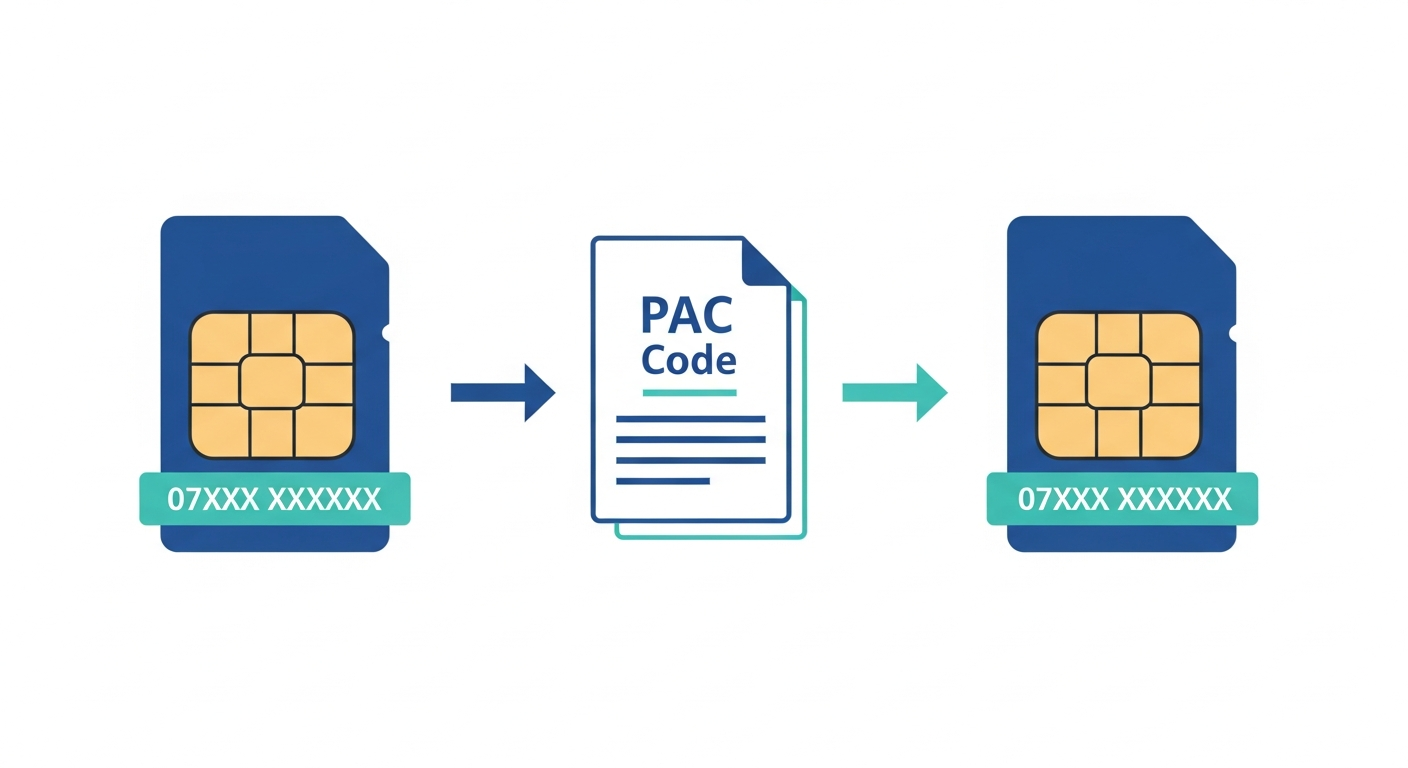
A PAC (Porting Authorisation Code) is a unique 9-character code that allows you to transfer your existing mobile phone number to a new network provider. The PAC code proves you have authorisation to move your number.
Key Facts About PAC Codes
- Length: 9 characters (letters and numbers)
- Validity: 30 days from the date of issue
- Cost: Free to obtain from any UK network
- Purpose: Keeps your existing phone number when switching
- Regulation: Governed by Ofcom rules for number portability
Important: Your PAC code is personal to your number. Never share it unless you are giving it to your new network provider to complete the switch.
Get Your PAC Code in 60 Seconds
The quickest and easiest way to get your PAC code is by text message. This method works for all UK mobile networks.
Text PAC to 65075
Send a text message with just the word:
to 65075 from the phone you want to switch
You will receive your PAC code by text within 1 minute
Alternative Methods
- Online Account: Log in to your network's website or app
- Phone: Call your current network's customer service
- In Store: Visit a store of your current network
By Law: Your network must provide your PAC code within 1 minute when you text 65075. They cannot refuse or delay your request.
STAC Codes: Switch Without Keeping Your Number
A STAC (Service Termination Authorisation Code) is similar to a PAC code but is used when you want to cancel your contract without keeping your number.
Text STAC to 75075
Send a text message with just the word:
to 75075 to get a code to cancel without keeping your number
PAC vs STAC: Which Do You Need?
| Code | Purpose | Keep Number? | Text To |
|---|---|---|---|
| PAC | Switch network AND keep your number | Yes | 65075 |
| STAC | Cancel contract, get a new number | No | 75075 |
Warning: Using a STAC code means you will lose your phone number permanently. Only use STAC if you definitely do not want to keep your number.
How Long Does the Transfer Take?
Once you have your PAC code, here is what happens when you switch:
- Get Your PAC Code: Text PAC to 65075 and receive your code within 1 minute.
- Choose Your New Network: Select your new provider and plan. Order a new SIM or eSIM.
- Give PAC to New Provider: Provide your PAC code when signing up or afterwards via their website/app.
- Wait for Transfer: Your number will transfer to your new network within 1 working day.
- Receive Confirmation: You will get a text confirming when the switch is complete.
- Insert New SIM: Put your new SIM in your phone. Your old SIM will stop working.
Typical Timeline
| Step | Time Required |
|---|---|
| Get PAC code | Within 1 minute |
| Receive new SIM | 1-3 days (or instant for eSIM) |
| Number transfer after giving PAC | 1 working day |
| Total | 1-4 days typically |
Tip: You can choose a specific date for the switch if you do not want it to happen immediately. Ask your new provider about scheduling the port.
Network-Specific PAC Instructions
Here is how to get your PAC code from each major UK network:
Switching from O2
- Text: Send PAC to 65075
- Call: 202 from your O2 mobile (free) or 0344 809 0202
- Online: My O2 app or o2.co.uk account
If you have an O2 Refresh contract, you may need to pay off your Device Plan balance.
Switching from EE
- Text: Send PAC to 65075
- Call: 150 from your EE mobile or 07953 966 250
- Online: My EE app or ee.co.uk account
Switching from Vodafone
- Text: Send PAC to 65075
- Call: 191 from your Vodafone mobile or 03333 040 191
- Online: My Vodafone app or vodafone.co.uk account
Switching from Three
- Text: Send PAC to 65075
- Call: 333 from your Three mobile or 0333 338 1001
- Online: My3 app or three.co.uk account
Switching from Other Networks
For MVNOs (virtual networks) like giffgaff, Tesco Mobile, Sky Mobile, VOXI, Lebara, etc.:
- Text: Send PAC to 65075 (works for all UK networks)
- Online: Check your provider's website or app
- Call: Contact your provider's customer service
Universal Method: Texting PAC to 65075 works for ALL UK mobile networks. It is the quickest and most reliable method.
Common PAC Code Questions
Do I need to cancel my old contract separately?
What happens if my PAC code expires?
Will I lose service during the switch?
Can I change my mind after getting a PAC code?
Do I need to unlock my phone to switch networks?
What about early termination fees?
Can I port a business number?
How do I track my number transfer?
More Switching Resources
If you need further assistance with PAC codes and switching networks:
- Ofcom: The UK regulator for information on your rights
- Your Current Network: Contact their customer service for help getting your PAC
- Your New Network: Contact them to submit your PAC and schedule the switch
- O2 Help: Browse O2-specific help topics
- O2 Cancellation: Guide to leaving O2
Written by the AtlasMobile Team
Independent UK Mobile & Broadband Experts
Our editorial team combines over 25 years of experience in UK telecommunications. We research, test, and verify all information to provide accurate, unbiased guidance for consumers.
Last reviewed: January 2026