O2 Bill Explained: Payments, Direct Debit & Charges
Your complete guide to understanding O2 bills, payment methods, Direct Debit setup, and resolving billing issues. Learn how to manage your O2 account payments effectively.
Disclaimer: This is an independent help resource and is not affiliated with O2, Telefonica UK, or Virgin Media O2. For official support, visit o2.co.uk
Expert Insight: We've helped thousands of readers navigate O2's complex billing system. Based on our 10+ years of industry experience, most "unexpected" charges are actually pro-rata adjustments on your first bill or out-of-bundle roaming costs.
How to Read Your O2 Bill
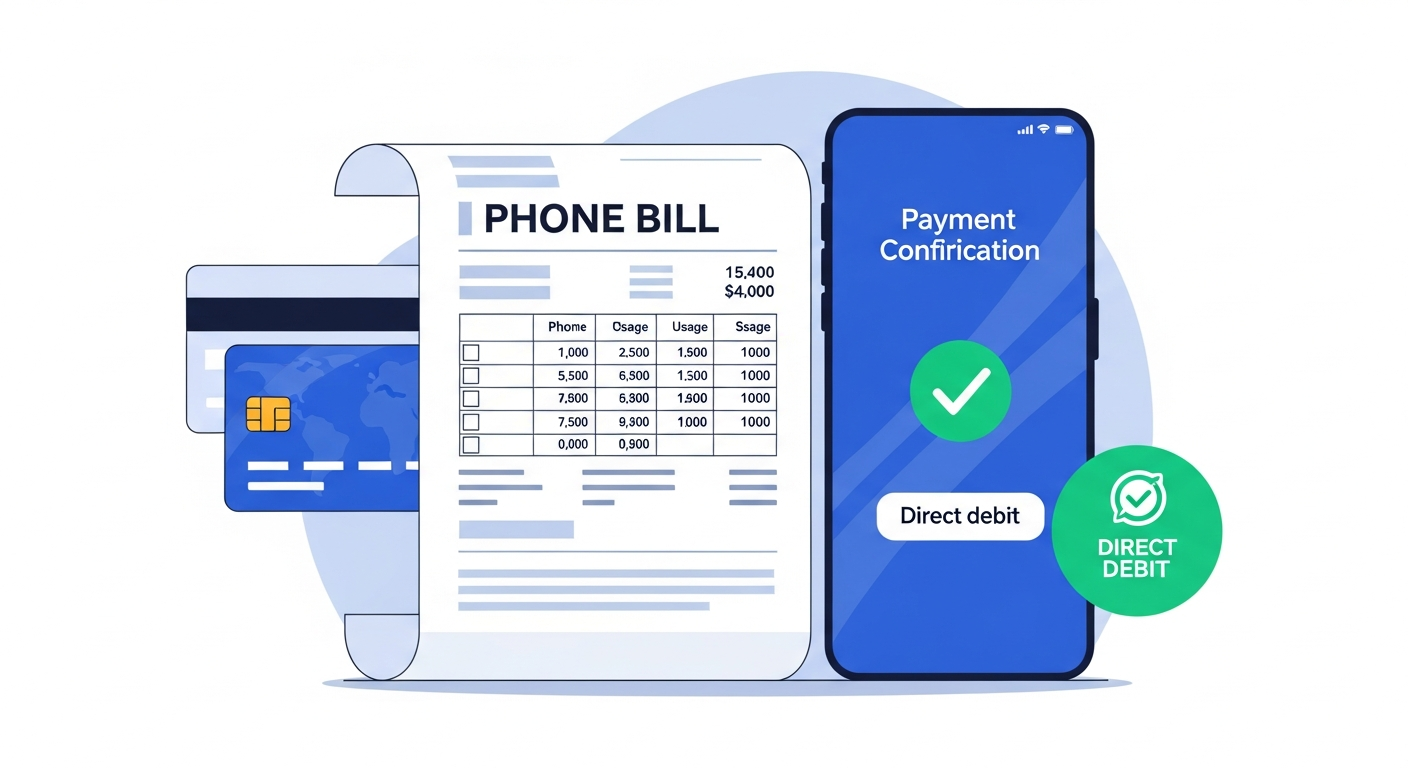
Your O2 bill is produced monthly and includes details of your plan charges, any additional usage, and applicable discounts. Understanding these components is the first step to avoiding bill shock.
Detailed Bill Components
- Monthly Plan Charge: This is your standard airtime cost. Note that O2 bills a month in advance, so your first bill will often look double.
- Device Plan (O2 Refresh): A unique O2 feature where your phone repayment is kept separate from your airtime. This helps you upgrade earlier without paying off the whole contract.
- Additional Charges: Watch out for 084/087 numbers and premium texts, which are rarely included in standard allowances.
- Discounts: Ensure your "Volt" data double-up is showing here if you are a Virgin Media customer too.
Pro Tip: Use the "My O2" app's 'Latest Usage' feature to track spending in real-time, rather than waiting for your PDF bill at the end of the month.
Payment Methods
O2 offers several ways to pay your monthly bill:
Direct Debit
The most popular payment method. Your bill is automatically collected from your bank account each month, typically 14 days after your bill date.
Quick tip from our team: If you're on a tight budget, change your Direct Debit date to 2-3 days after pay day. This ensures the money is always there and avoids failed payment fees.
- Set up via the My O2 app or online at o2.co.uk
- Change your Direct Debit date to suit your pay day
- Protected by the Direct Debit Guarantee
Debit or Credit Card
Make one-off payments using your card:
- Pay through the My O2 app
- Pay online at o2.co.uk
- Call 202 from your O2 mobile or 0344 809 0202
Pay in Store
Visit any O2 store to make a payment in person using cash, card, or cheque.
Bank Transfer
Pay by bank transfer using the details on your bill. Include your O2 account number as the reference.
Bill Dates & Payment Schedules
Understanding when your bill is generated and when payment is due:
| Event | Timing |
|---|---|
| Bill Generated | Same date each month (your bill date) |
| Bill Available Online | Within 24 hours of generation |
| Payment Due Date | 14 days after bill date |
| Direct Debit Collection | On your payment due date |
Important: If your payment fails, O2 will attempt to collect again. Repeated failures may result in late payment charges and could affect your service.
How to Dispute Charges
If you believe there is an error on your bill or you have been charged incorrectly, follow these steps:
- Review Your Bill: Check the itemised bill in the My O2 app to identify the specific charges you are disputing.
- Gather Evidence: Note the dates, amounts, and nature of the disputed charges. Take screenshots if needed.
- Contact O2: Call 202 from your O2 mobile or use Live Chat in the My O2 app. Explain the issue clearly and provide your evidence.
In our experience: Calling during off-peak hours (early morning before 9am or after 7pm) usually means shorter wait times. We've heard from readers that disputes are typically resolved within 5-7 working days when you have clear evidence ready.
- Request Investigation: Ask O2 to investigate the charges. They should provide a reference number for your case.
- Follow Up: If not resolved within 10 working days, follow up with your reference number.
- Escalate if Needed: If unsatisfied, request a deadlock letter and contact Ombudsman Services.
Your Rights: Under Ofcom regulations, you have the right to dispute any charges you believe are incorrect. O2 must investigate and respond to your complaint.
Setting Up Spending Caps
Protect yourself from unexpected charges by setting up an O2 spending cap:
What is a Spending Cap?
A spending cap limits how much you can spend on out-of-bundle services like premium rate calls, international calls, and data roaming. It does not affect your standard monthly plan.
How to Set Up a Spending Cap
- Log in to the My O2 app or your online account at o2.co.uk
- Navigate to Account Settings or Billing Preferences
- Select Spending Cap or Bill Limit
- Choose your preferred cap amount (typically from £0 to £100)
- Confirm your selection
Spending Cap Amounts
- £0 Cap: Blocks all out-of-bundle charges (strictest control)
- £10-£50 Cap: Allows some flexibility for occasional use
- No Cap: No limits on additional spending (not recommended)
Note: Spending caps do not cover all charges. Some services like international roaming may require separate controls.
Billing FAQs
Why is my first O2 bill higher than expected?
How do I change my Direct Debit date?
What happens if my payment fails?
Can I pay my O2 bill early?
How do I get a copy of my bill?
What are out-of-bundle charges?
How do I set up paperless billing?
More O2 Billing Resources
If you need further assistance with your O2 bill or payments, check out our other guides:
- O2 Price Rises 2026 - Learn about annual increases.
- How to Cancel O2 - Step-by-step cancellation guide.
- O2 Help Centre - View all O2 support articles.
You can also contact O2 directly:
- My O2 App: Download and manage your account, view bills, and chat with support
- Call 202: Free from your O2 mobile (Mon-Fri 8am-9pm, Sat-Sun 8am-8pm)
- Call 0344 809 0202: From any other phone
- Visit an O2 Store: Get in-person help at your local O2 shop
Sources & References
Written by Sarah Mitchell
Mobile & Broadband Specialist
Sarah has over 8 years of experience helping UK consumers navigate mobile and broadband issues. Previously worked in telecommunications customer service and now writes guides to help others avoid common pitfalls.
Last reviewed: January 2026